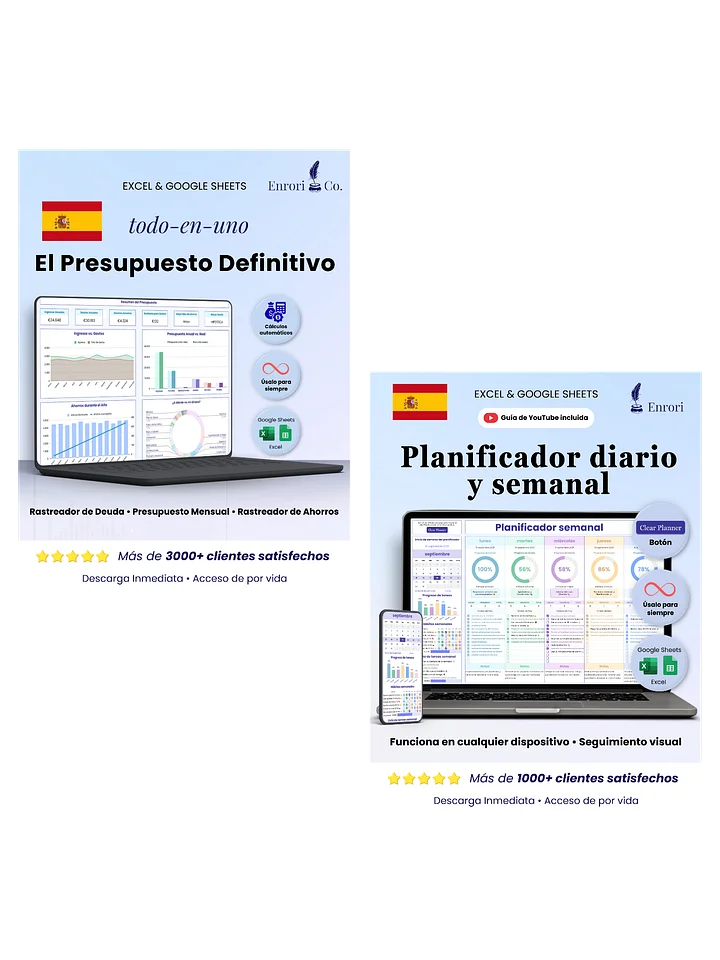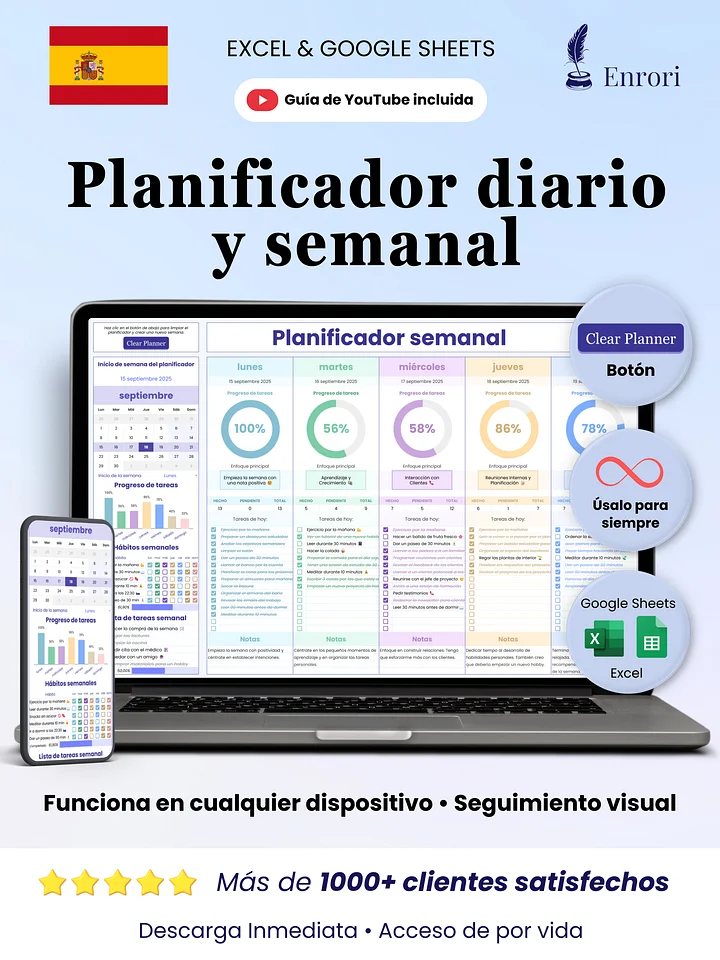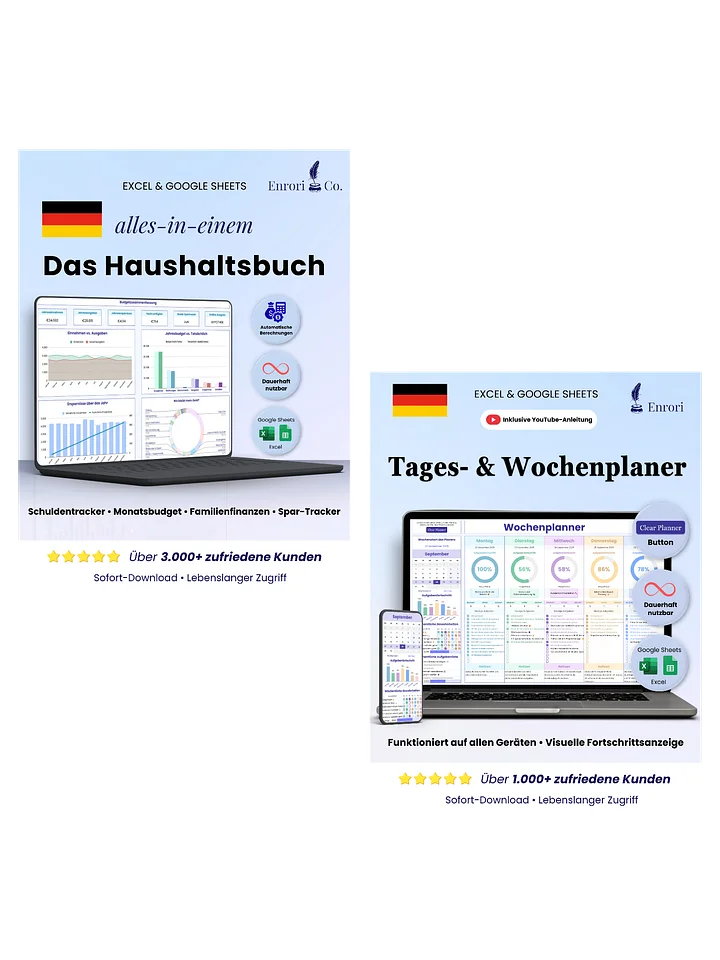
Daily & Weekly Planner
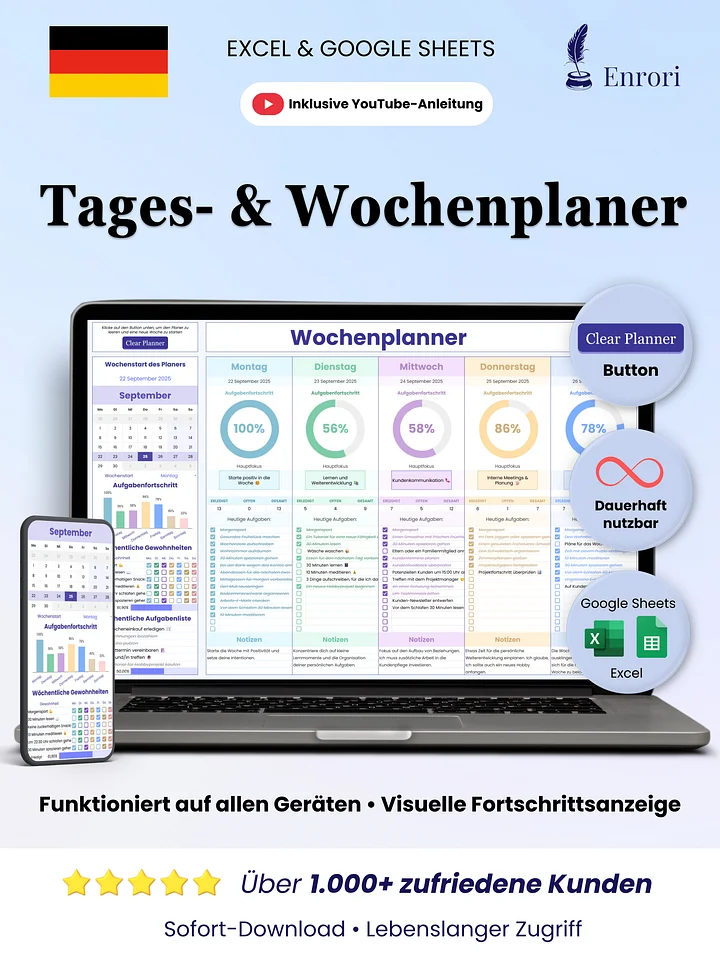
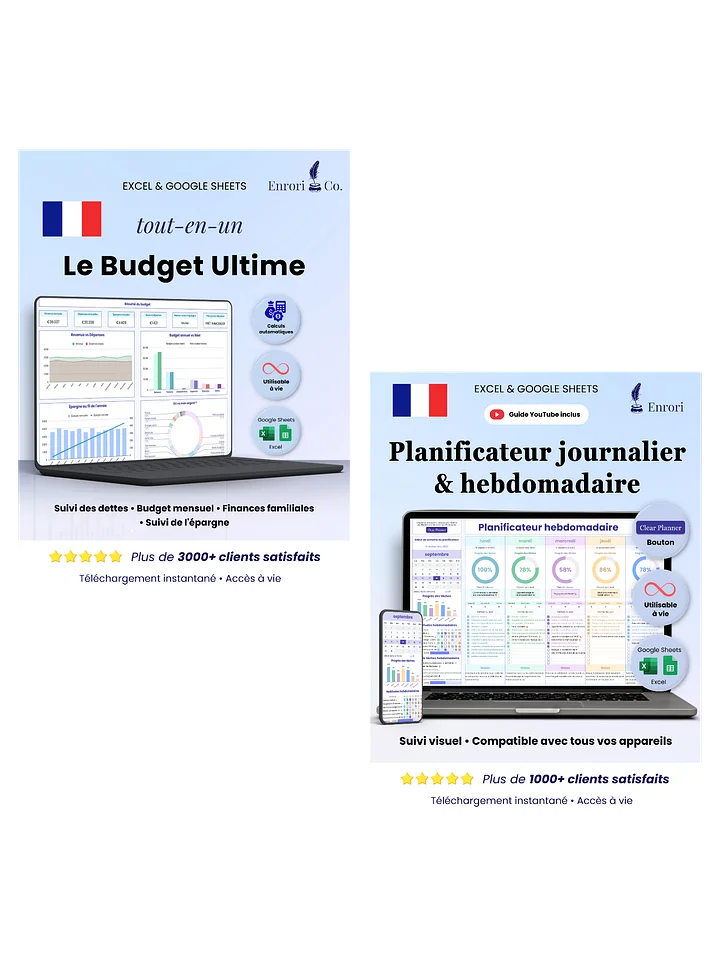
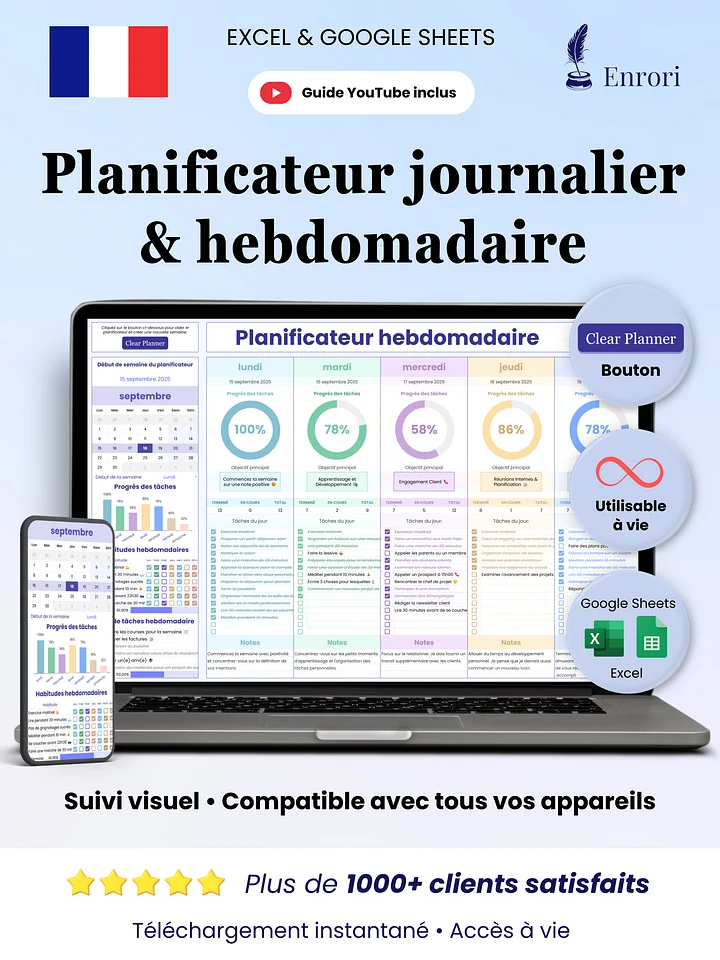
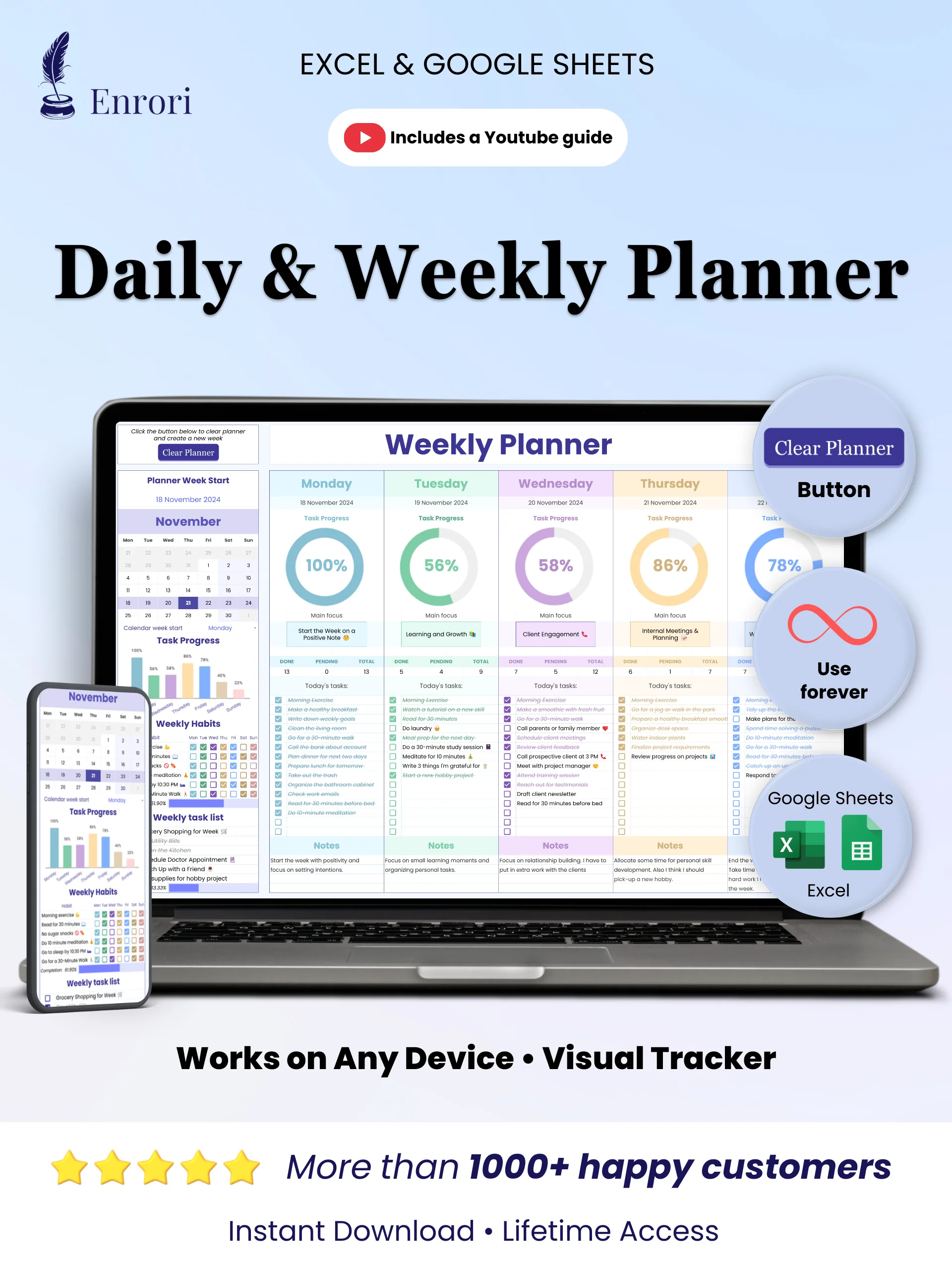
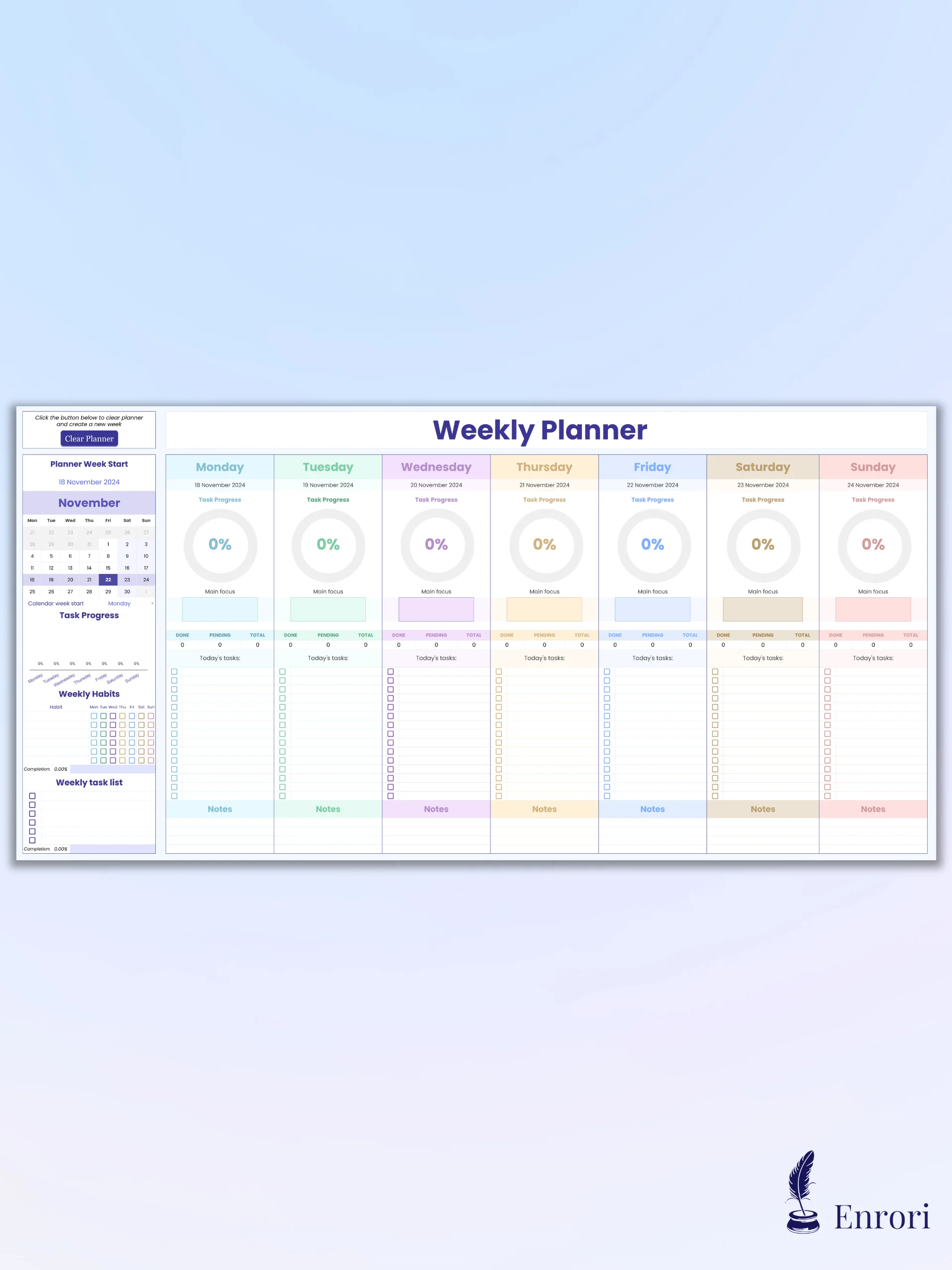
Stay productive and take charge of your week! This planner helps you break down your week day by day, keeping you on track to achieve your goals and maintain focus.
Why over 1,000+ customers chose our template:
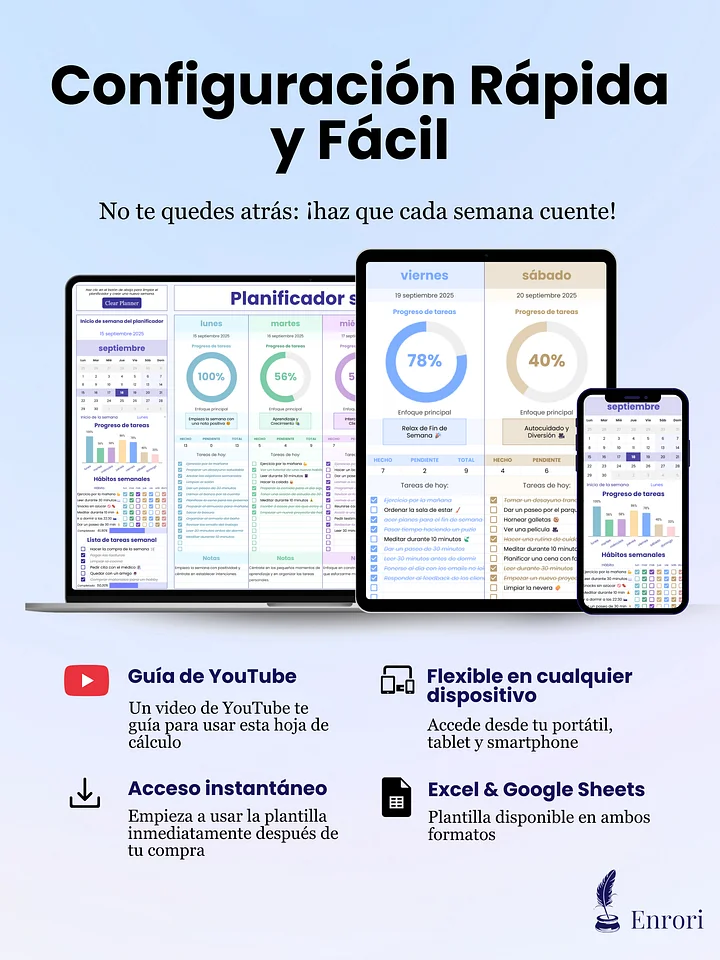
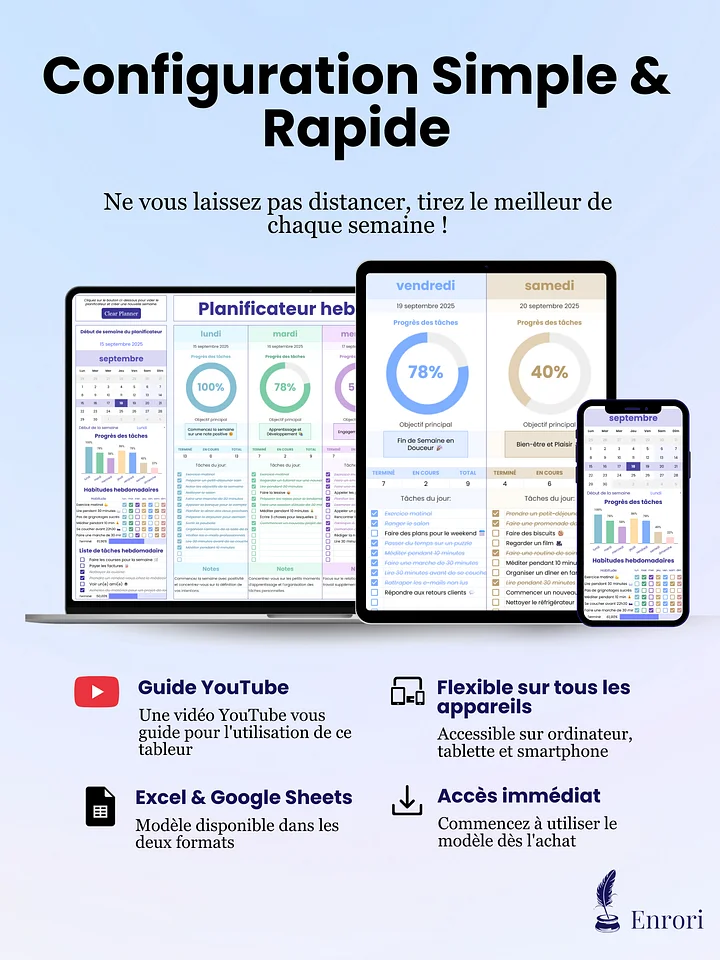
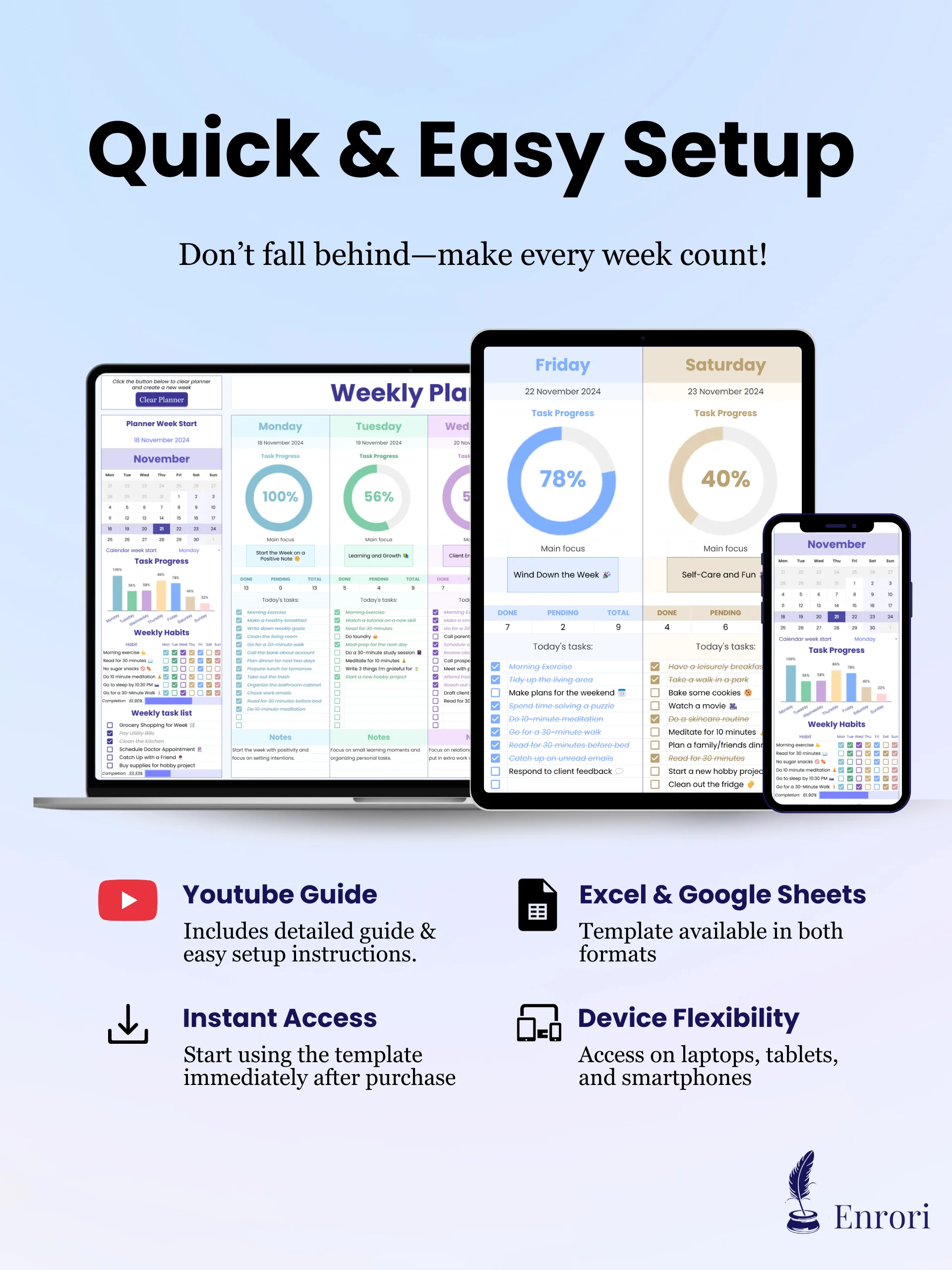
✅ Excel & Google Sheets: Instant download. Works on Mac, PC, Tablets & Smartphones.
✅ Clear Planner Button: Start each new week with the one-click reset button, giving you a planner you can use forever.
✅ One-Time Purchase: Stop buying expensive paper planners every year or paying monthly fees for productivity apps.
📂 What’s Included
A digital download containing:
-
Two Formats: Full access to both Google Sheets and Microsoft Excel versions.
-
Setup Tab: Easy-to-follow instructions featuring a complete YouTube video guide to help you get started quickly.
-
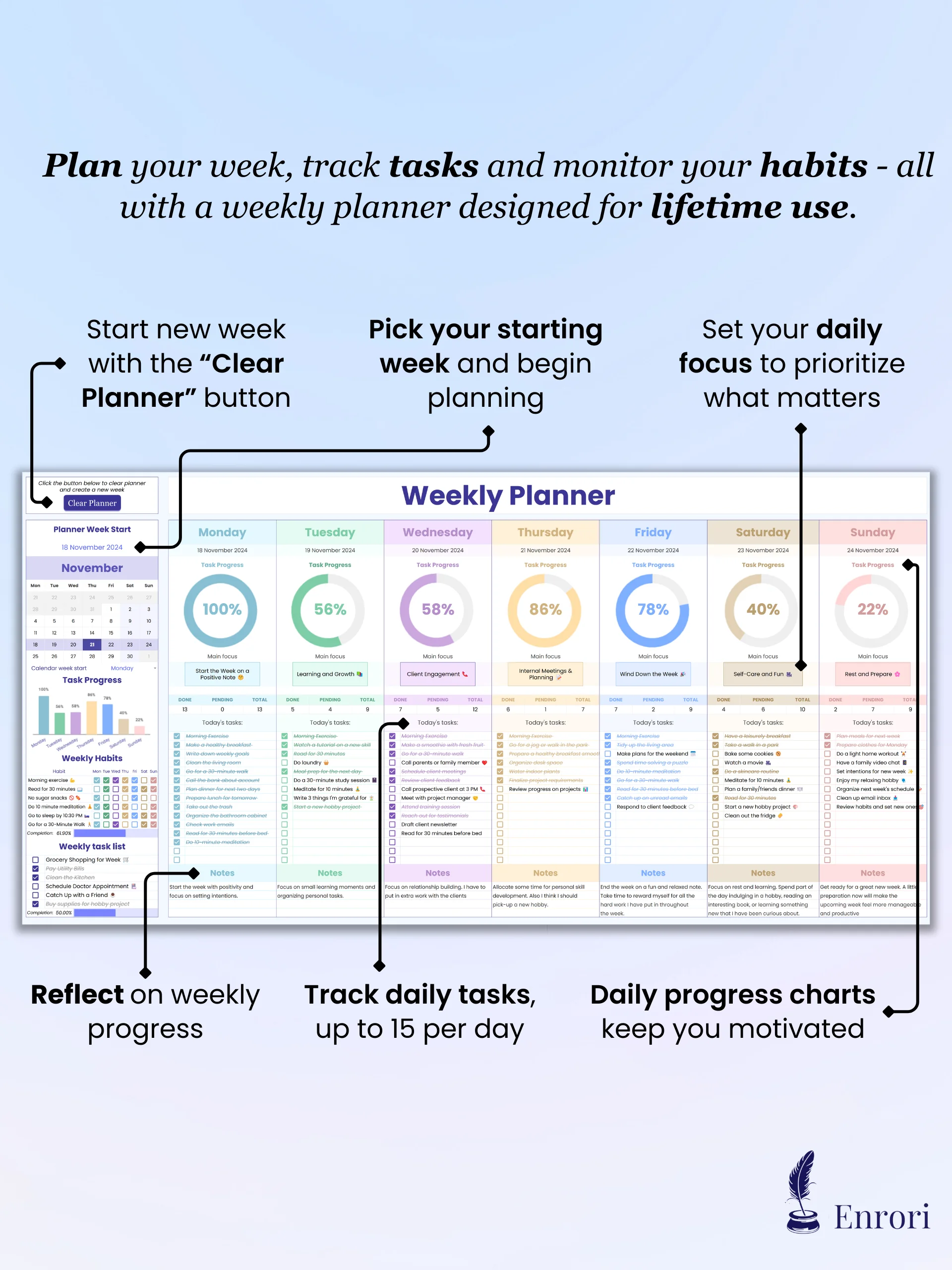
Weekly Planner Tab: Your main dashboard for mapping out your daily tasks and organizing your entire week.
🛡️ 30-Day Guarantee & Support
30-Day "Get Organized" Promise: We are confident this planner will boost your productivity. If you don't feel more organized and in control within 30 days, simply email us for a full refund.
Priority Customer Support: Stuck on a step? We provide Priority Email Support to help you get set up. If you find a technical issue with the spreadsheet, we are here to help you fix it.
System Compatibility:
-
Microsoft Excel: Requires Excel 2021 or Microsoft 365 (PC & Mac).
-
Google Sheets: Works with any free Google account.
-
Devices: Best experienced on Desktop/Laptop. (Tablets/Phones supported for viewing and quick entry).
Instant Delivery: You will receive an email immediately after purchase with the download files and setup guide.
Busy Is Not the Same as Productive
It doesn’t matter how many hours you work. If you reach Friday afternoon wondering "What did I actually get done?", you are Overwhelmed.
It’s not usually one big failure—it’s the friction. Scattered sticky notes, decision fatigue, doomscrolling, and "I'll do it tomorrow" procrastination. The Daily & Weekly Planner catches your focus before it slips through the cracks.
-
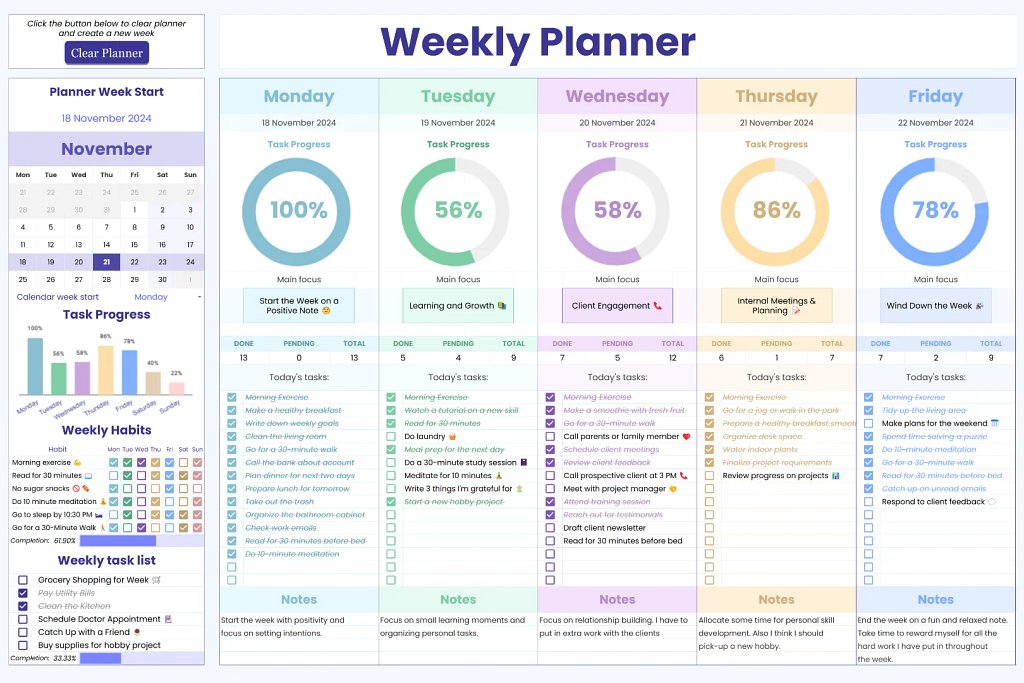
The Truth Dashboard: Add up to 15 tasks a day and instantly watch your visual progress bar fill up as you check them off.
-
Simple Clarity: No more guessing what to tackle next. Pinpoint your daily "Main Focus" and your 6 big weekly goals so you know your exact priorities at a glance.
-
The "Psychology" Advantage: Passive to-do lists just sit there. Our visual task tracking triggers a dopamine hit with every checked box—a proven psychological trigger that naturally builds momentum and kills procrastination.
Stop Buying Planners You Abandon by End of the Week
We’ve all been there: you buy an expensive paper planner, miss a few days, ruin a page with scribbles, and feel guilty you stop using it entirely. Or, you sign up for a complex productivity app that charges you $15/month just to write down your own chores.
Why add recurring fees or guilt to the schedule you’re trying to fix? We believe your organizational tools should be permanent assets, not subscriptions.
-
The Infinite Reset: Never ruin a page again. Click the "Clean Planner" button to archive your past data and clear the board for a brand new week.
-
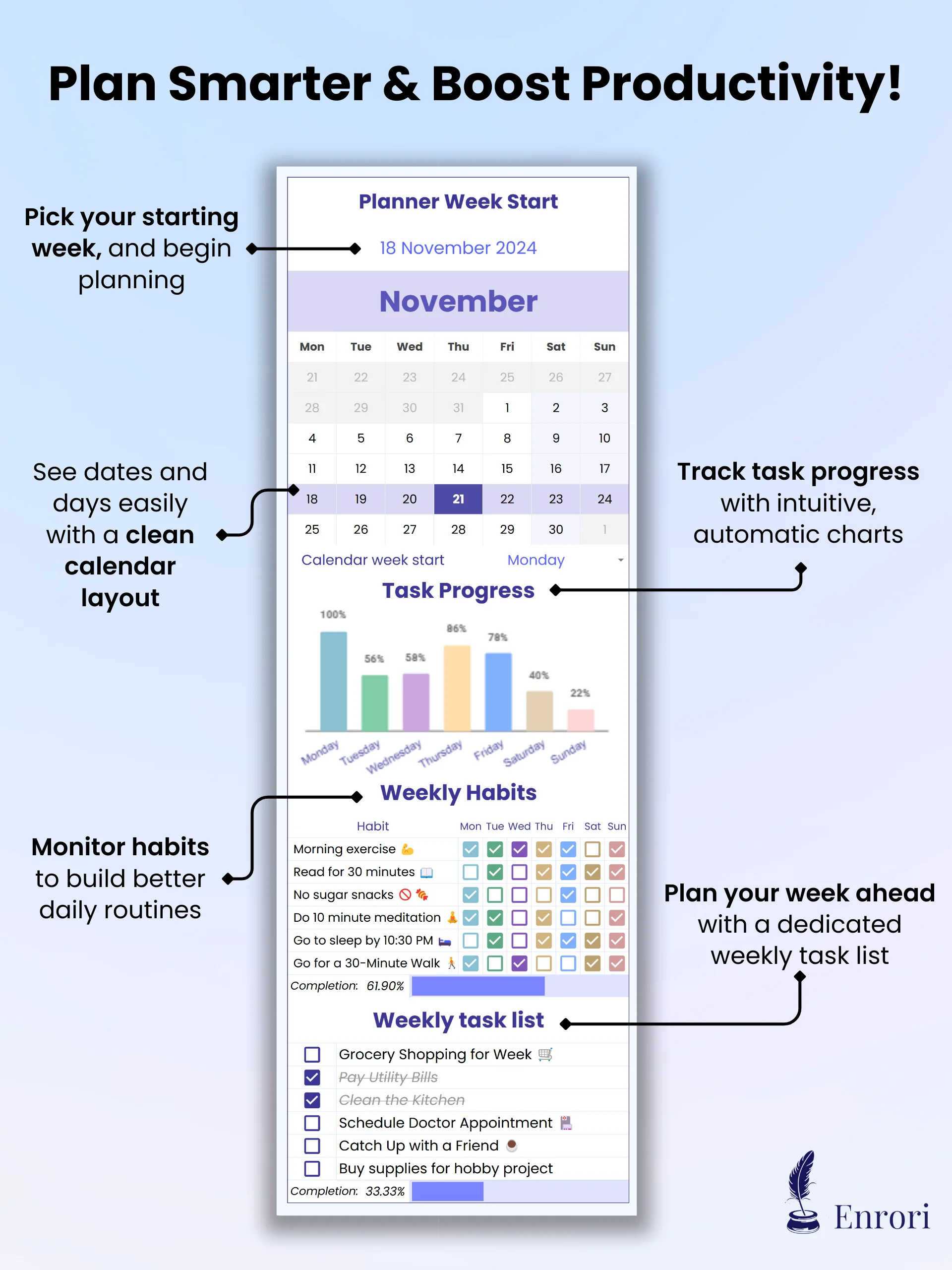
Build Actual Habits: Stop relying on sheer willpower. The built-in Habit Tracker lets you monitor up to 6 daily routines right next to your schedule so you actually stick to them.
-
Own It Forever: Pay once today. Use it for life. No subscriptions and no buying a new planner every single January.

Try It Risk-Free
30-Day Money-Back Guarantee: If this task planner doesn't increase your productivity within the first month, just email us for a full refund. We take the risk, so you don't have to.
What if I need help or have a problem?
Simply contact our support team here. We respond quickly to ensure you can get started without any hassle.
Do I need to be an Excel expert to use this?
Does this work on Mac and Windows?
Excel Version: Requires Microsoft Excel 2021 or Microsoft 365 (Mac & PC).
Google Sheets Version: Works on any device with a free Google Account (Mac, PC, Chromebook).
How do I receive the product?
- The Microsoft Excel file (.xlsx).
- A PDF Guide containing the direct link to the Google Sheets version.
- Step-by-step instructions to get started in minutes are included in each respective template version.
Can I share this with my partner?
Google Sheets: You can share access with your partner to edit in real-time.
(Note: Redistribution to friends or third parties outside your household is prohibited. See our Terms of Service for details.)
What is your refund policy?
For Personal Use Only. Redistribution, resale, or commercial use of this template is strictly prohibited.
Disclaimer: This template is for informational purposes only and is not intended as professional financial, legal, or accounting advice. Users assume all risks associated with using the template and are solely responsible for their financial decisions.